|
<LOGIN> October 20, 2026, 3:08 pm |

 |
Panel Bar |
Status Bar |

|
Work With Views
| |
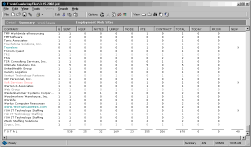
Summary
This view will analysis the collections of the detail data. The view will display a total page statistics of work
in progress. For example, you can immediately check the total number of e-mail response for all or one particular company.
All fields are clickable to allow the view to act as a filter selection. Click on any field to display the detail view for
the collection. |
 |
| |
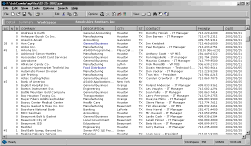
Workspace
The Workspace view allows you to create a network of contacts. This is an on-going manual process maintained by you.
You can manual enter the information or drag and drop from the Job Board or Company Search panel |
 |
| |
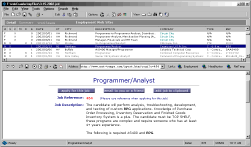
Browser
The built in Browser allows you to display the full job description from your Search Query. The browser works in
conjunction with the Detail, Workspace and Company search. For example, by double clicking the city field from the
Detail view will display the city location using MapQuest. |
 |
|
|
|