|
E-Mail Support for Outlook Express
 |
OutLook Express Part-2 |
OutLook Express Part-4 |

|
Outlook Express Part 3 of 5
...continue pictorial for setting up your account using the e-mail client - Outlook Express.
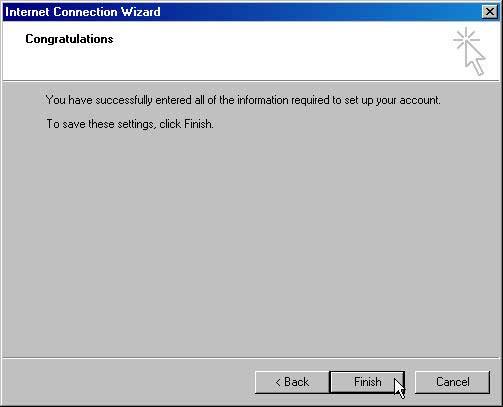
9. We need to asign an Account Name for your new account, press finish to return to the Account selection screen.
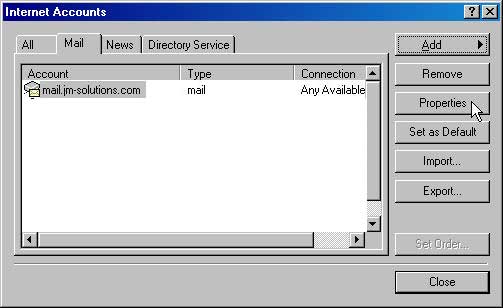
10. Hilight the new account you just added and press Properties
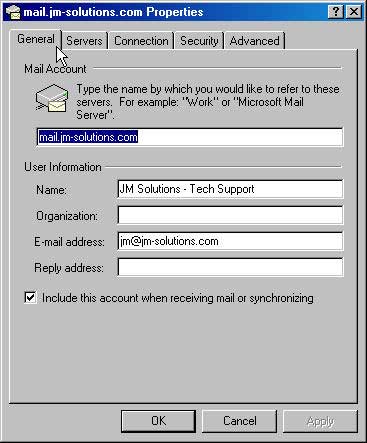
11. Select the General tab
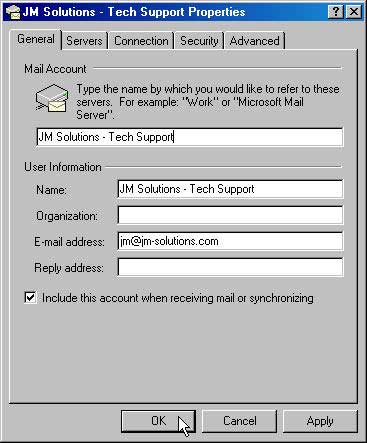
12. Enter any name for your new account that will help you identify it and press OK
|
|
OutLook Express Part-2 |
OutLook Express Part-4 |
|
| 