|
E-Mail Support for Outlook Express
 |
OutLook Express Part-4 |
Home |

|
Outlook Express Part 5 of 5
...continue pictorial for setting up your account using the e-mail client - Outlook Express.
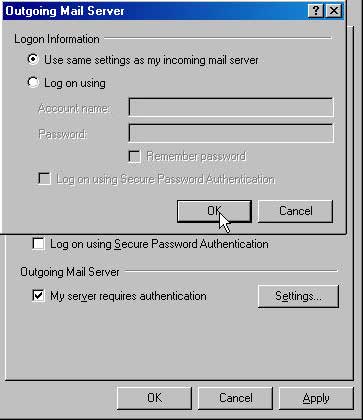
18. Now its time to backout, select OK for the Outgoing Mail Server box
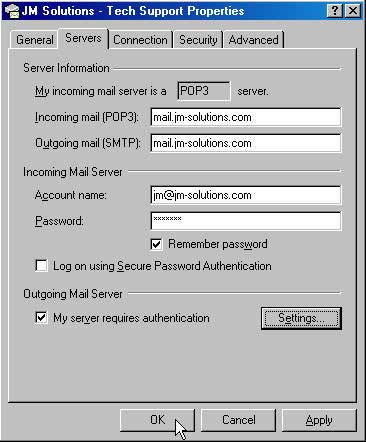
19. Select OK for the Server Information box
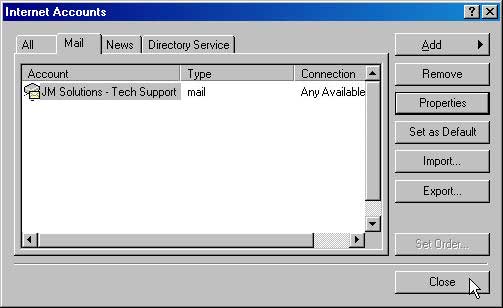
20. Press Close. Outlook Express is now configured to send e-mail via SMTP and receive e-mail via POP.
|
|
OutLook Express Part-4 |
Home |
|
| 